THE PUFFER BRIDGE + APP
A little
more you.
A little bridge. A whole new connection.
Bring your Proxy online. Keep your sessions close, even when your phone isn’t.
Wi-Fi to your world.
01 / MEET THE PUFFER BRIDGE
It stays.
You go.
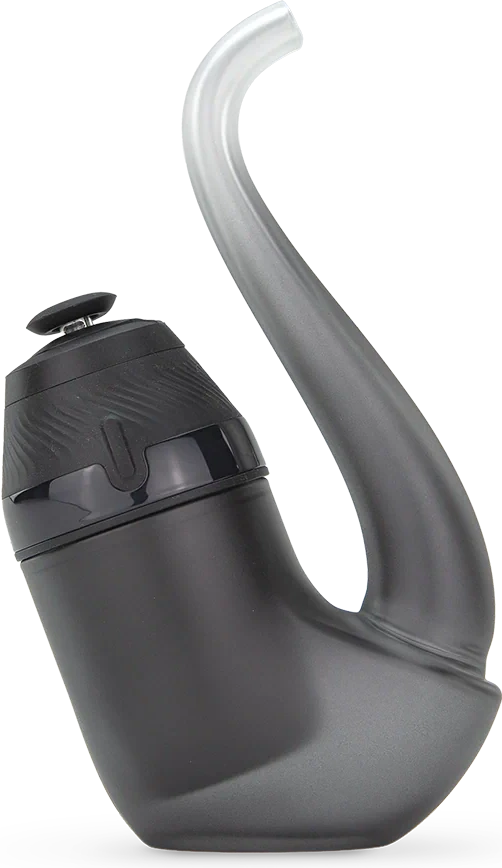
The bridge stays beside your Proxy, keeps its Bluetooth connection, and joins your Wi-Fi. Puffer brings that connection to your phone and the web. Your phone no longer has to be the thing holding it all together.
A supported bridge, USB power, Wi-Fi, and your Proxy nearby. That’s the starting point.
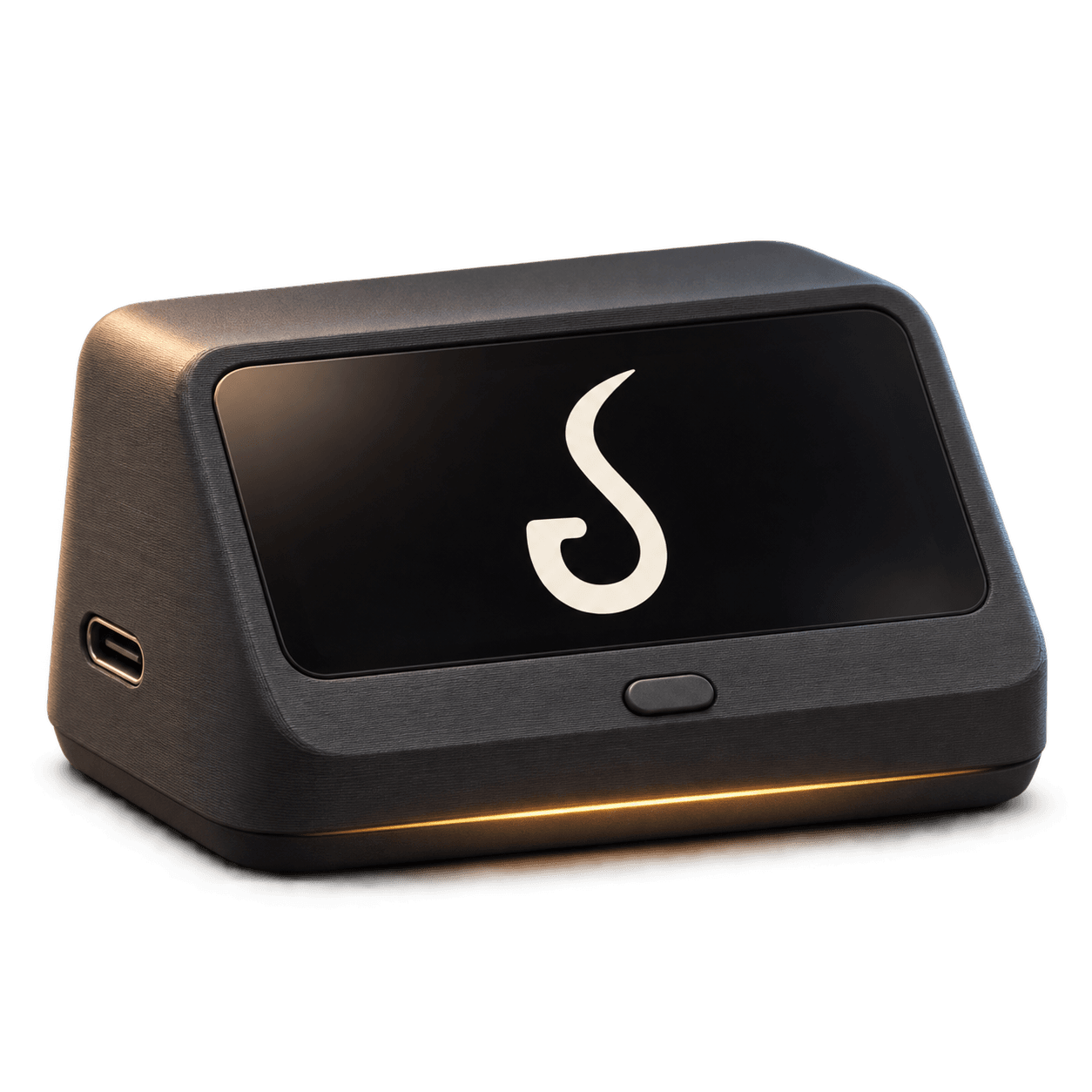 Puffer bridgeCONCEPT ILLUSTRATION
Phone away.
Sessions saved.
Start a session on the Proxy itself. The bridge records it without your phone, then syncs it to your history.
Check in.
From further out.
See battery, bowl temperature, and device status through Puffer while your bridge stays connected.
Same Proxy.
More control.
Reach your profiles, lighting, and session controls through the app or web, with the bridge handling Bluetooth.
What do I need to get connected?
A supported Puffer bridge: the XIAO ESP32-S3 Plus OLED build or the PanelLan LCD build. Flash the firmware for your board, power it over USB, then use Puffer’s bridge setup to join Wi-Fi and pair your Proxy.
Keep the bridge within Bluetooth range of the Proxy. Your phone connects through Puffer’s server while the bridge is online.
Install LCD bridge firmware Get the Puffer app02 / YOUR HEAT
Find your
sweet spot.
A few degrees. A few seconds. The small things make the session. Save heat profiles that feel right to you, then come back to them.
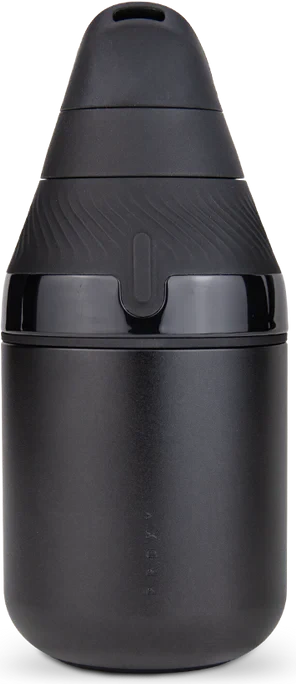 A LITTLE LIGHT. A WHOLE DIFFERENT FEELING.
Golden hour
Lighting visualization · explore custom looks in the app
03 / YOUR LIGHT
Good light.
Better mood.
A warm wind-down or a little after-hours color. Create custom lighting looks in Puffer and give your Proxy its own personality.
Go on. Change the feeling.
SAME PROXY. MORE POSSIBILITY.
Make yourself
at home.
Your Proxy. Your preferences.
Your little corner of things.